How to copy your ChatGPT Session, with pictures
The order page asks for your Session: the text your browser shows at chatgpt.com/api/auth/session while you're signed in to ChatGPT. Pick your device; each step is one screen. Use a browser, not the ChatGPT app.
Android phone
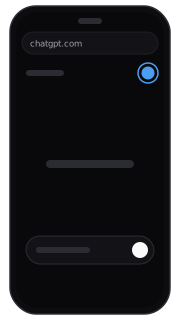
Open your browser (not the ChatGPT app) and sign in at chatgpt.com. 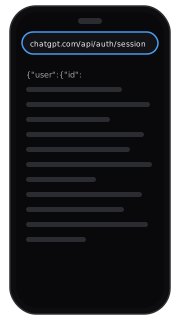
Type chatgpt.com/api/auth/session in the address bar and open it. 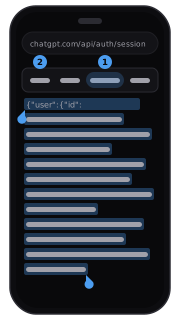
Press and hold the text, tap Select all, then Copy. 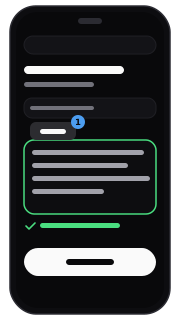
Go back to the order page, press and hold the box and tap Paste.
iPhone
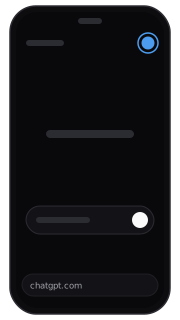
Open your browser (not the ChatGPT app) and sign in at chatgpt.com. 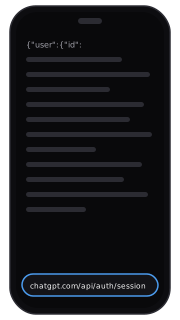
Tap the address bar, type chatgpt.com/api/auth/session and open it. 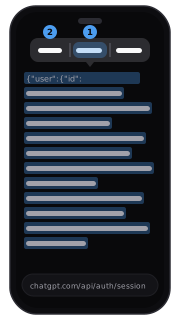
Touch and hold the text, tap Select All, then Copy. Go back to the order page tab, touch and hold the box and tap Paste.
Computer
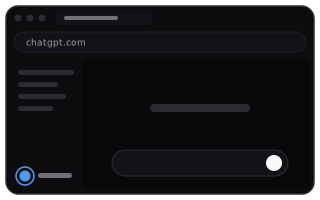
Sign in at chatgpt.com in your browser. 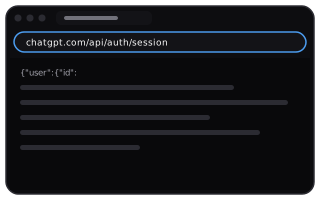
Open a new tab, type chatgpt.com/api/auth/session and press Enter. 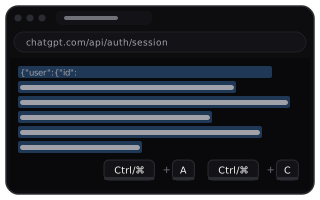
Press Ctrl+A, then Ctrl+C (on a Mac, ⌘A, then ⌘C). 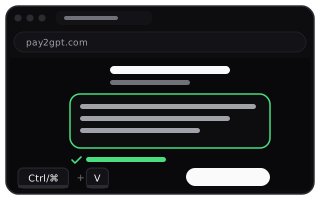
Go back to the order page, click the box and press Ctrl+V (⌘V).
If it doesn't work
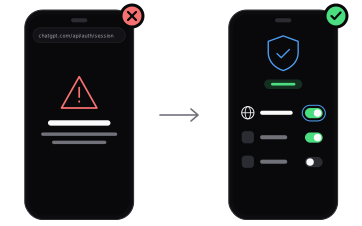
“Unable to load site”, or a suggestion to turn off your VPN
The browser isn't using the same connection as your ChatGPT app. If you use a VPN, make sure it covers the browser: switch off split tunnelling or add the browser to the VPN's apps, keep the server the app works with, then open the link again. Where ChatGPT is available is up to OpenAI.
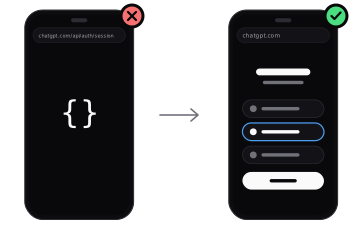
The page shows only {}
This browser isn't signed in to chatgpt.com, even if the ChatGPT app is. Open chatgpt.com in the same browser, sign in to the same account the same way as in the app (Google, Apple, Microsoft or email), then open the link again. If the order page's Open button showed {}, type the address into your browser's address bar instead.
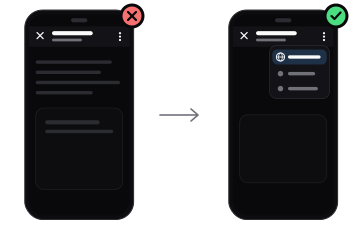
It opened inside the ChatGPT app, a mail app or a messenger
Built-in browsers aren't signed in to chatgpt.com. Tap ⋮ and choose to open it in your browser, or open your browser yourself and type the address.
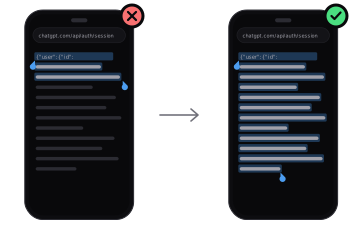
Only part of the text was copied
The text has to be copied whole. Use Select all instead of dragging the handles, copy again and replace what's in the box.
Is it safe to paste?
The Session is your sign-in in this browser, not your password. We use it only for this order and don't keep it in our database.
Four things we promise
- No passwordWe never ask for your password or verification code. You paste the Session only on your own order page.
- Session not stored in the databaseThe Session is used only to activate this order and is not stored in the database. Logging out of all devices in ChatGPT revokes it.
- Full refund if it can't be activatedIf we can't activate your plan, the full amount goes back to the way you paid.
- Lost within 30 days? Restored freeIf the plan stops working within 30 days of activation for reasons not on your side, we restore it free or refund the remaining days.
Problems caused by your own account, such as sharing or reselling it, are not covered; the Terms of Service decide. Terms of Service →
Paste it on your order page